Pullback by Candle BodyThe Pullback Indicator version 0.2
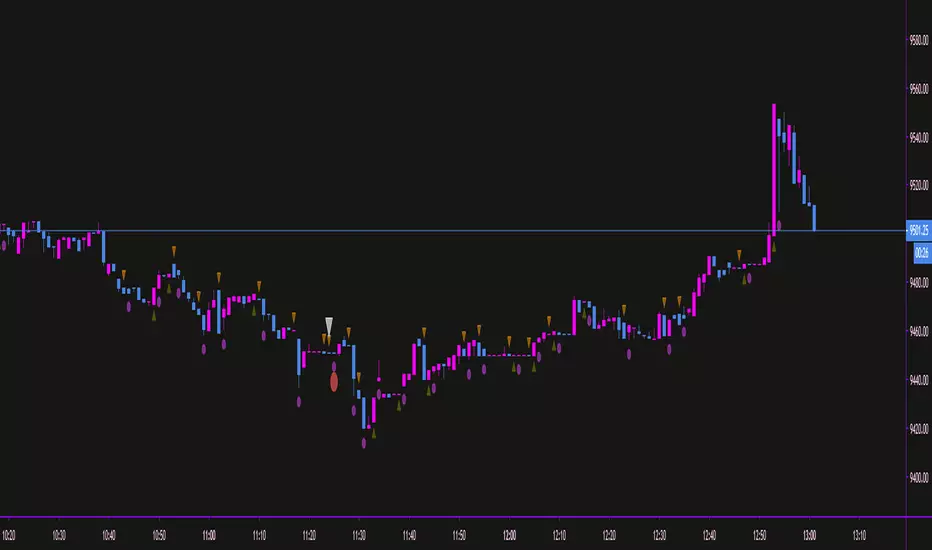
Identifies pullbacks by checking if the current candle's body is lower than the previous candle's low for a bearish pullback or higher than the previous candle's high for a bullish pullback. Once a pullback has been identified, the Indicator marks the lowest low or highest high of the trend with a circle.
NOTE it's not fully working as expected as it lacks trend analysis in its code, resulting in it indicating pullbacks in the opposite direction of the trend, such as bullish pullbacks in a bullish trend or bearish pullbacks in a bearish trend. This is a work in progress, maybe it will be "improved" in the future.
Cari skrip untuk "candle"

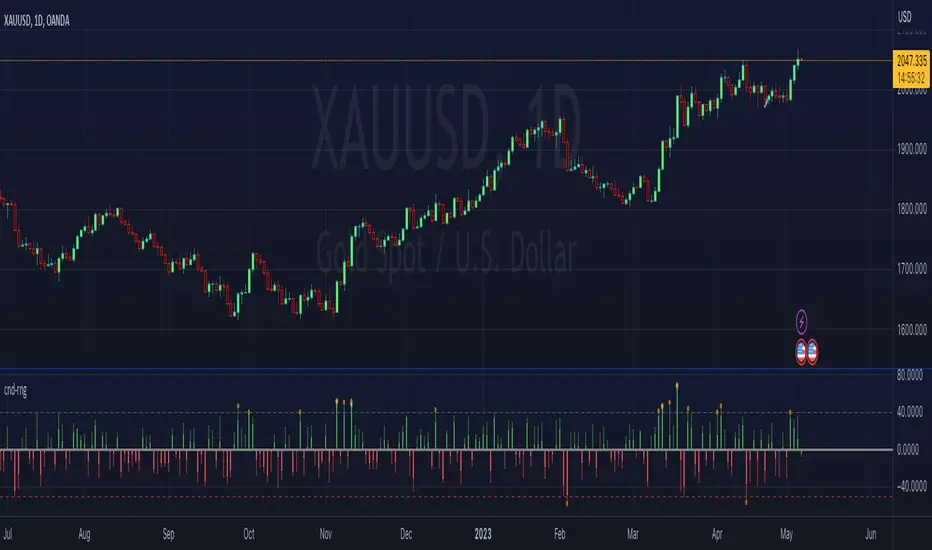
ka66: Candle Range IndicatorVisually shows the Body Range (open to close) and Candle Range (high to low).
Semi-transparent overlapping area is the full Candle Range, and fully-opaque smaller area is the Body Range. For aesthetics and visual consistency, Candle Range follows the direction of the Body Range, even though technically it's always positive (high - low).
The different plots for each range type also means the UI will allow deselecting one or the other as needed. For example, some strategies may care only about the Body Range, rather than the entire Candle Range, so the latter can be hidden to reduce noise.
Threshold horizontal lines are plotted, so the trader can modify these high and low levels as needed through the user interface. These need to be configured to match the instrument's price range levels for the timeframe. The defaults are pretty arbitrary for +/- 0.0080 (80 pips in a 4-decimal place forex pair). Where a range reaches or exceeds a threshold, it's visually marked as well with a shape at the Body or Candle peak, to assist with quicker visual potential setup scanning, for example, to anticipate a following reversal or continuation.
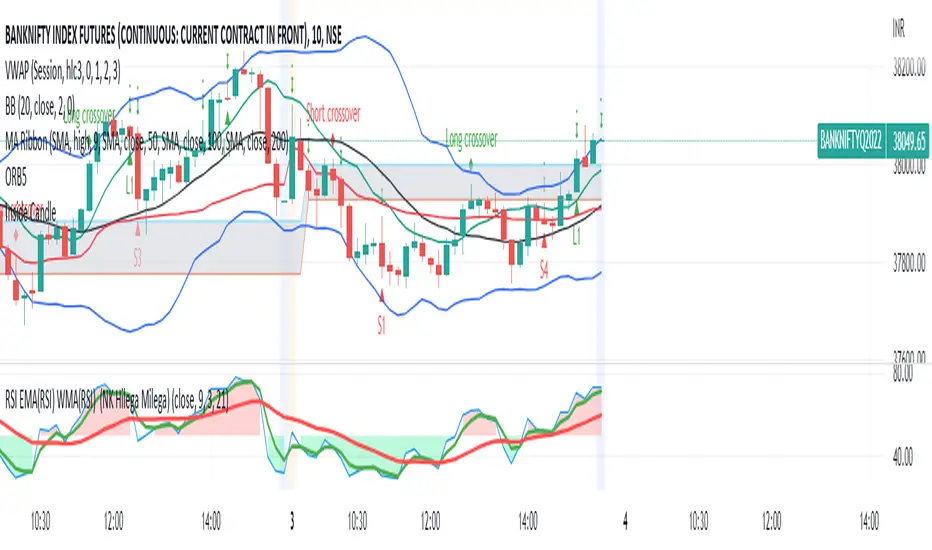
Inside CandleThis is a inside candle strategy based trading identifier. The basic idea is this
1. It will identify entry point if the previous candle was fully engulfed under the one previous
2. Then depending on the trend and your other indicators/thought process - you can take an entry
3. It is normally a good idea to keep the low of the bigger candle as your SL
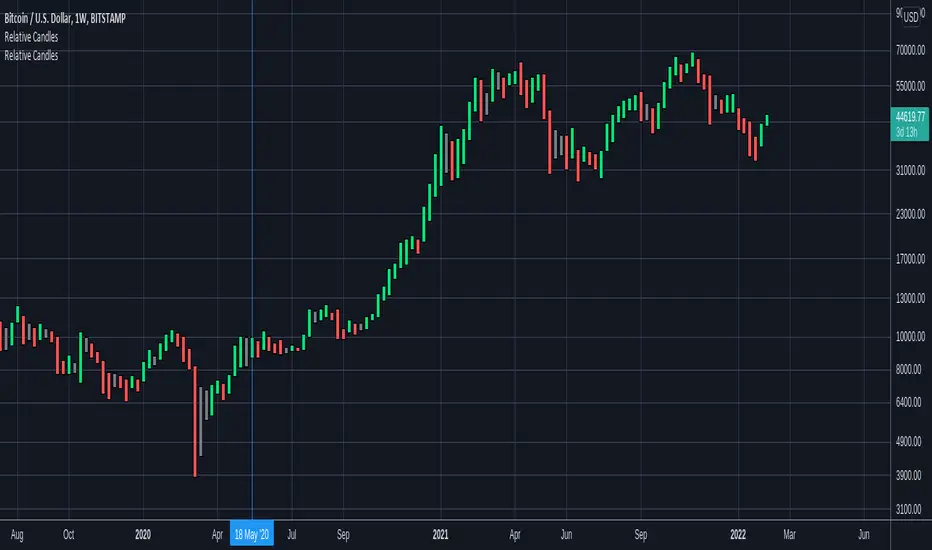
Relative CandlesCustom candles which only didsplay highs and lows. Color depends on relative position of highs and lows and indicates whether it is going up, down or indecision based on this relative position. Made specially for superchiqui :P
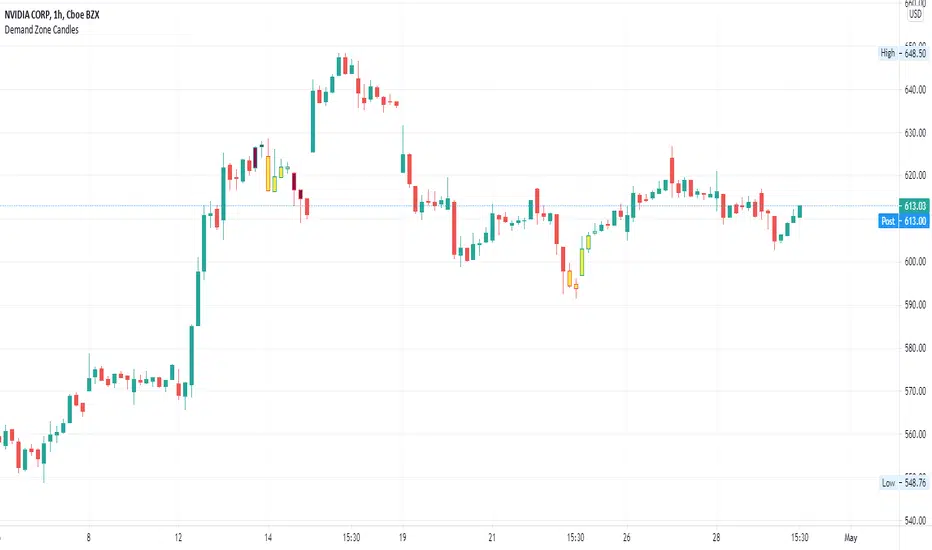
Supply/Demand Zone CandlesThis is a Pine Script to do a basic scan for demand zones and supply zones based on a Leg-Base-Leg-Base pattern.
Yellow candles define a Demand Zone.
Maroon candles define a Supply Zone.

Harris Triple Impulse Candle Detector Triple impulse candle detector system. Indicator uses size multiplier, volume multiplier and body to mick ratio, to calculate the size of its impulse

First Historical Candle Date daily intervalIndicator that displays a first historical candle on daily interval as a table at a top-right corner

2nd 1H: Midpoints (white=2nd mid, blue=2-candle range mid)2nd 1H: Midpoints (white=2nd mid, blue=2-candle range mid)
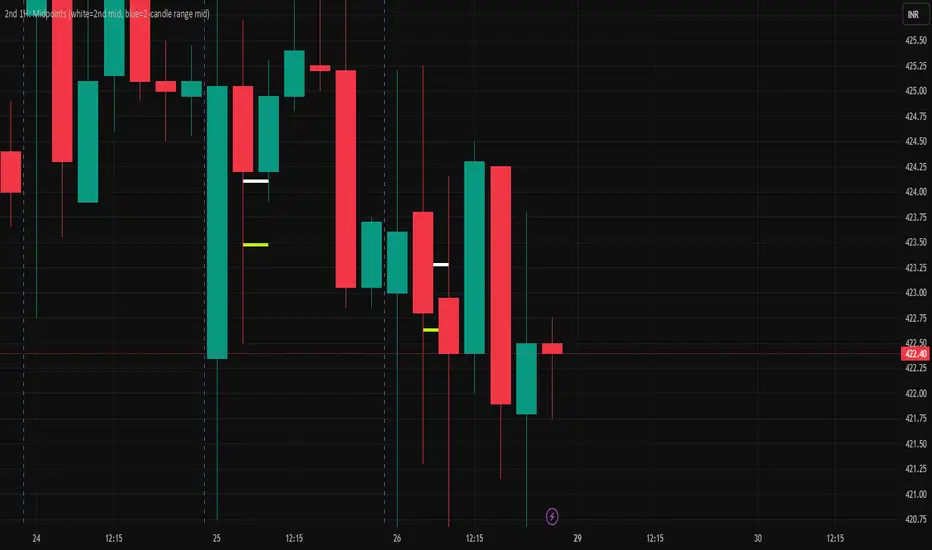
5 AM NY 4H Candle High/LowThis indicator identifies the 4-hour candle that starts at 5:00 AM New York time (NYT) and automatically plots its high and low on intraday charts (e.g., 15m, 30m, 1H).
It helps traders:
Highlight a key session window often associated with increased market activity.
Use the 5AM–9AM NYT range for breakout, reversal, or liquidity zone strategies.
See clean horizontal levels that can act as support or resistance throughout the trading day.
🧠 Key Features:
Works on any timeframe below 4H.
Automatically detects and updates daily.
Optional labels to mark the range visually.

First and Last Candle HighlightSimple indicator that colors the 8:30 am Morning open candle, 3pm close candle and overnight 12:00am candle for ES as a quick reference for ICT strategies or any other strategies that provide added confluence to your style of trading. the time is set to UTC -5 for chicago time but im sure it will auto adjust for any other time zone if not message me and i will leave the script open for you to edit to your liking
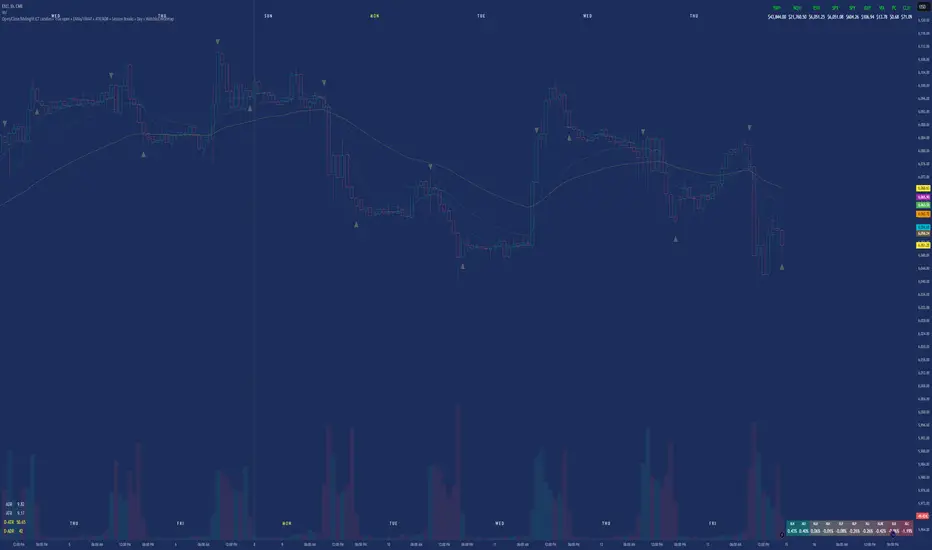
Vertical Line at nth Previous CandleThis code is a Pine script for TradingView that plots a vertical line on the chart n bars away from the current candle on the current time frame. The number of bars and line color can be customized by the user using input fields. The script calculates the highest and lowest price on the chart for the past n bars, and then draws a vertical line at the target bar with the specified line color. The previous line is removed and the ID of the new line is stored so that the next time the script is run, it can be removed and replaced with a new line. This script can be useful for marking important points on a chart or for visually tracking patterns or trends over time.

High timeframe Highs, Lows, Opens, Closes. HTF Candles displayPosting previously requested indicator.
Overlays higher timeframe high and low over the current bars - pictured is daily high and low overlayed on lower timeframe chart.
Can be set to fill between the open and close to show higher timeframe candles by color, with bullish or bearish fills
Very versatile and can be used to display weekly or monthly opens, or used to display previous weekly highs and lows for charting out possible liquidity points, etc.
Originally converted from Chris Moody's HLOC pine version 2 indicator.

Aggregate CandlesThis script creates candles based on an aggregated Index price from various exchange tickers. A lot of exchanges have specific flash crash wicks, missing data, erraticness compared to other exchanges particularly in their first few months, this is an attempt to clean up the price history, be it for TA ( trendlines , S/R etc.) or use in algos or other indicators, without reliance on one exchange. It uses the new Array functionality to generate median and averages, and is entirely original work. This particular version is a generic version of the BTC version. Please read the header before use, and if you do wish to use the code, please ask permission first.

Pin Bar CandlesPin Bar Candles can be used for identifying reversal points with the help of support and resistance

No Shadow Candles - Alertsalert script to detect candles with no wick, for testing.
scripted on request.
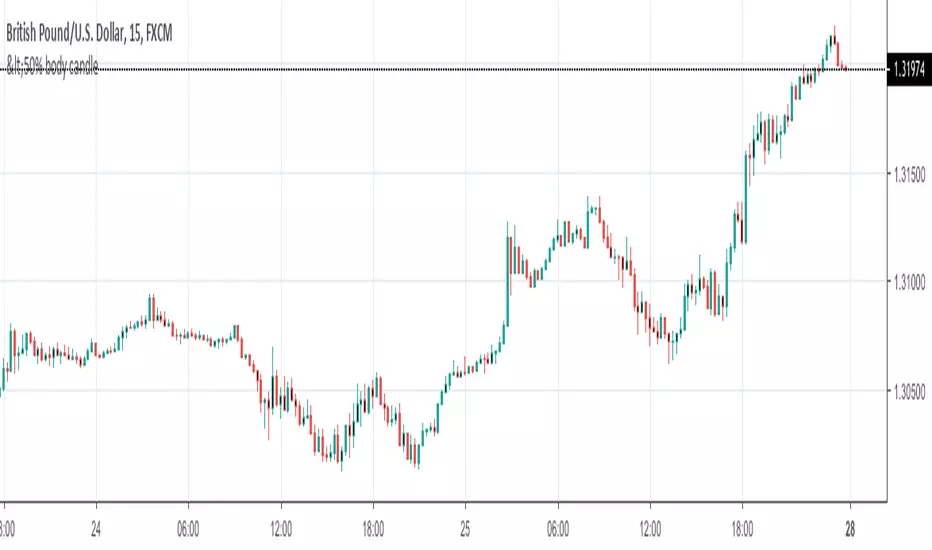
<50% body candleThis Script shows the candle whose body is less than the full candle and is shown in black color
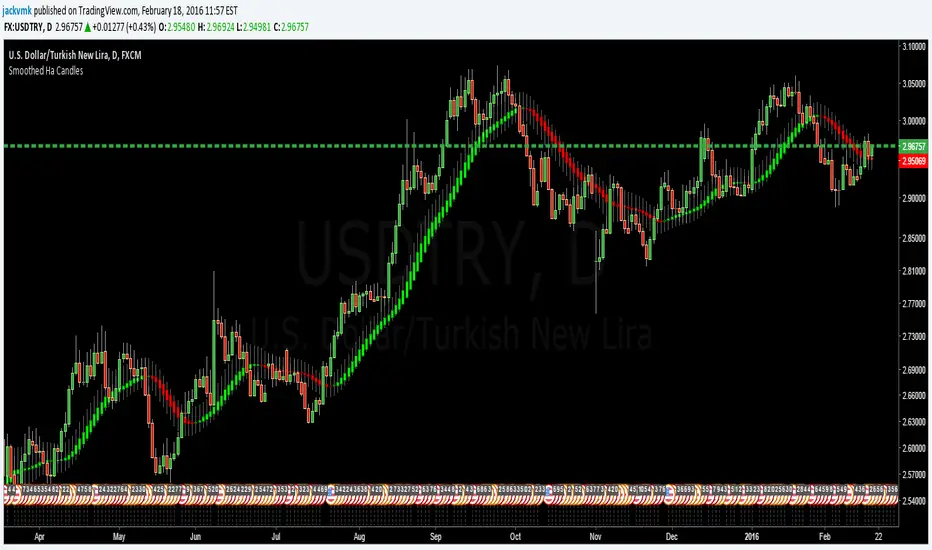
Sagar sir - N Continuous candle green with +ve % changeThis script will plot labels based on N number of continuous green candle with +ve % change.

Small candle/Stop Gap indicator MHThis script has a different setting for the stop gap vs the candle size
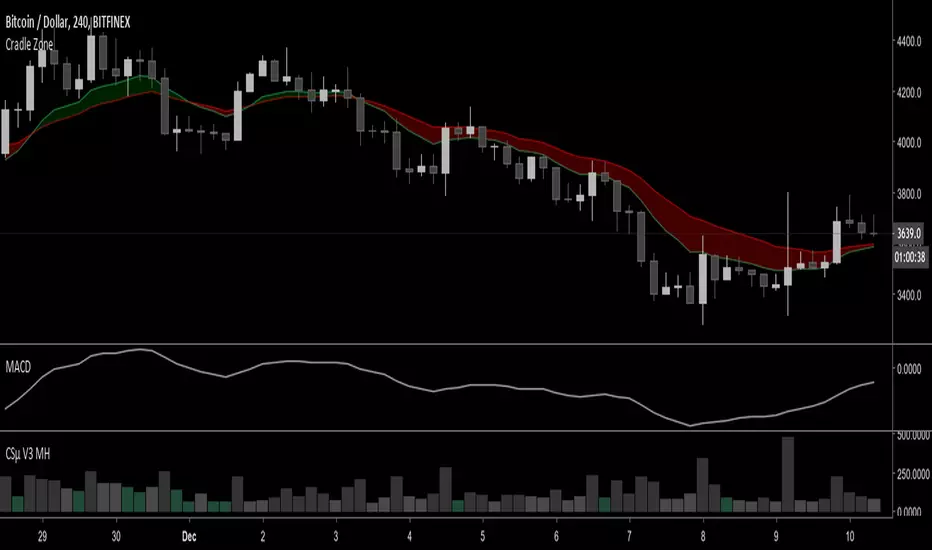
*All Candlestick Patterns* Tiny VersionThis is just the *All Candlestick Patterns* script with tiny labels. Also an excuse to test the script publication .. but you will find this version much less annoying
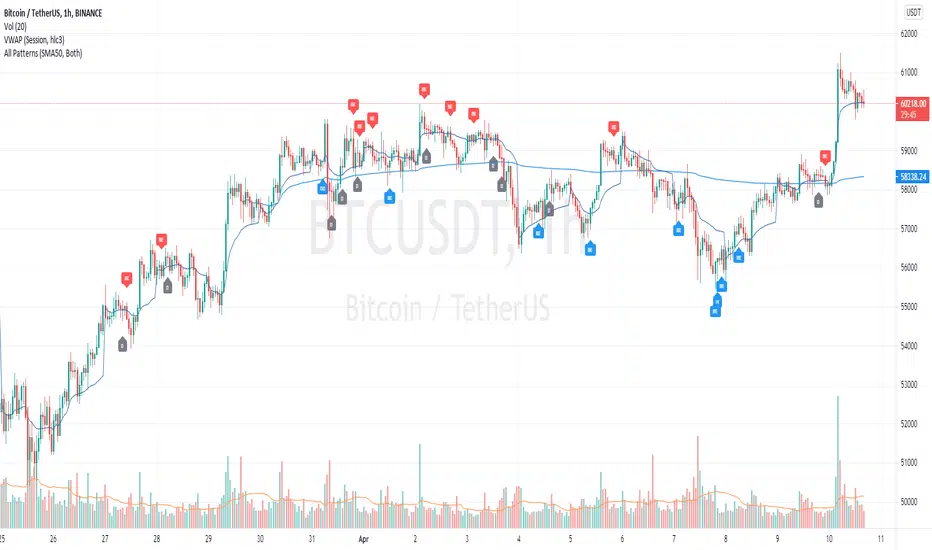
Identificador de Candlestick PT-br (updated 27/05/19) -whande1Identificador de Candlestick PT-br (updated 27/05/19) -whande1
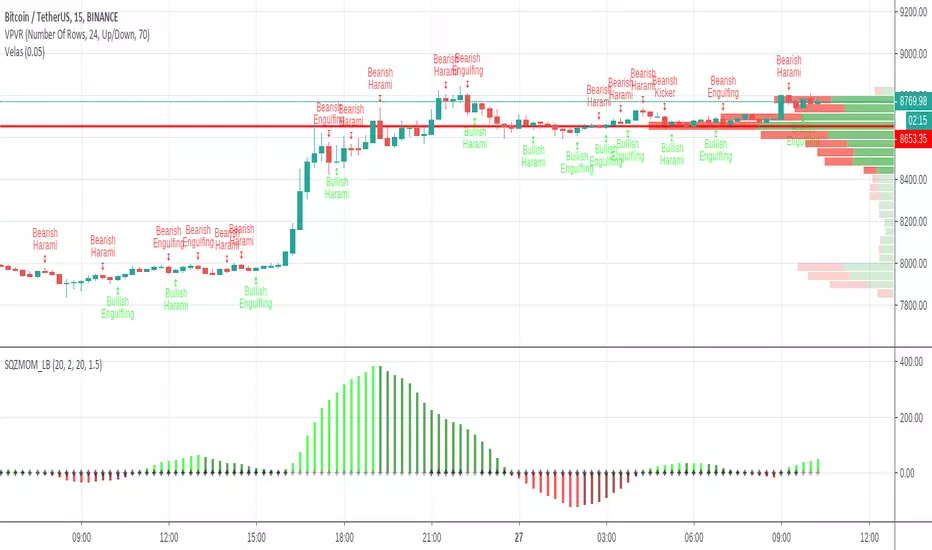
[AlscapeLabs] HTF Candle Stack (Multi-Timeframe)
Overview
The HTF Candle Stack (Multi-TF) indicator is a powerful visualization tool designed to overlay high-timeframe (HTF) price action directly onto your current chart, independent of the chart's price scale. This gives traders a clear, aligned, and non-overlapping view of simultaneous price movements across customizable timeframes.
By stacking the candles horizontally next to the chart's price action, the indicator allows for quick identification of multi-timeframe correlation, trend confluence, and key levels without switching chart timeframes.
Key Features
6 Independent Stacks: Configure up to 6 separate timeframes (e.g., 5m, 15m, 1H, 4H, Daily, Weekly) to view the complete market fractals from micro to macro.
Price-Aligned Visualization : All HTF candle stacks are perfectly aligned with the main chart's vertical price axis
Replay Mode Safe : Includes dedicated logic to prevent "duplicate candles" during Bar Replay, ensuring accurate backtesting and historical analysis.
Toggleable Stacks : Each stack can be individually enabled or disabled via input settings
Dynamic Spacing : The distance between active stacks is automatically calculated and adjusted based on the visibility of the preceding stack.
Settings Guide
Stack Configuration (1 - 6)
Each of the six stacks has identical controls:
Show/Hide : Enable or disable this specific stack.
Timeframe : The specific HTF to display (e.g., "60" for 1 Hour, "D" for Daily).
[*} Count : How many candles to show in this stack (Current Active Candle + Past Closed Candles). Tip: Use higher counts (10-12) for lower TFs (Stack 1-2) and lower counts (2-4) for higher TFs (Stack 5-6)
Candle Color
Controls global coloring
Bullish / Bearish : Customize the body colors.
Wick : Separate control for wick color and transparency
Layout
Distance from Chart : How far (in bars) to the right the first stack begins
Space between Stacks : The gap (in bars) between each active stack.
Candle Width : The thickness of the HTF candles.
Labels
Displays a time-frame next to the active (live) candle in each stack
Show TF Labels : Enable or disable labels through all stacks
Text Color : Label text color
Background : Label background color
Style : Label position (Left, Down)
Size : Label text size (Tiny, Small, Normal, Large, Huge)
Developed by AlscapeLabs
