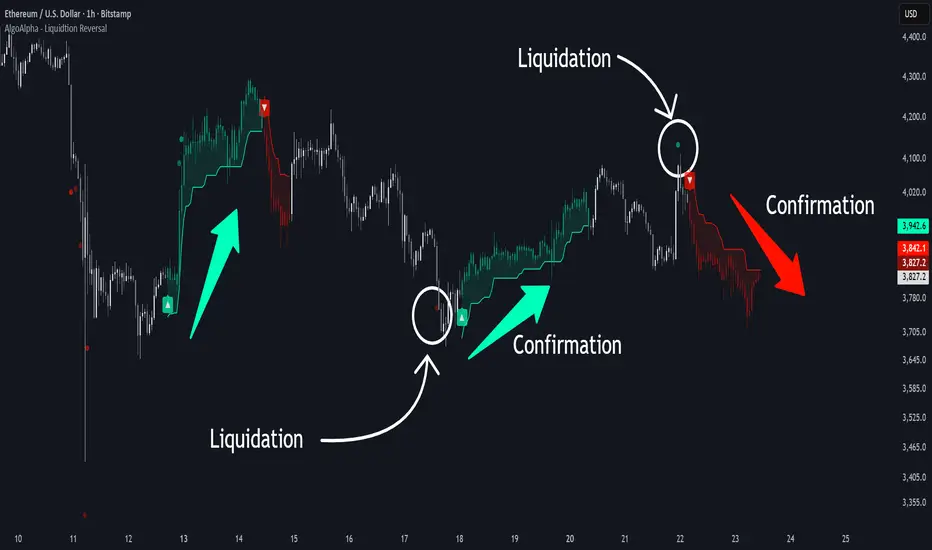
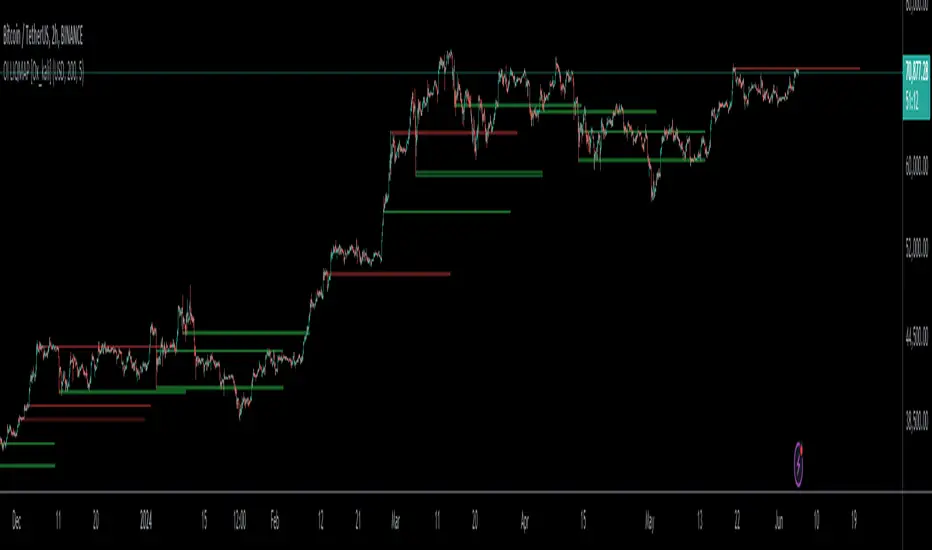
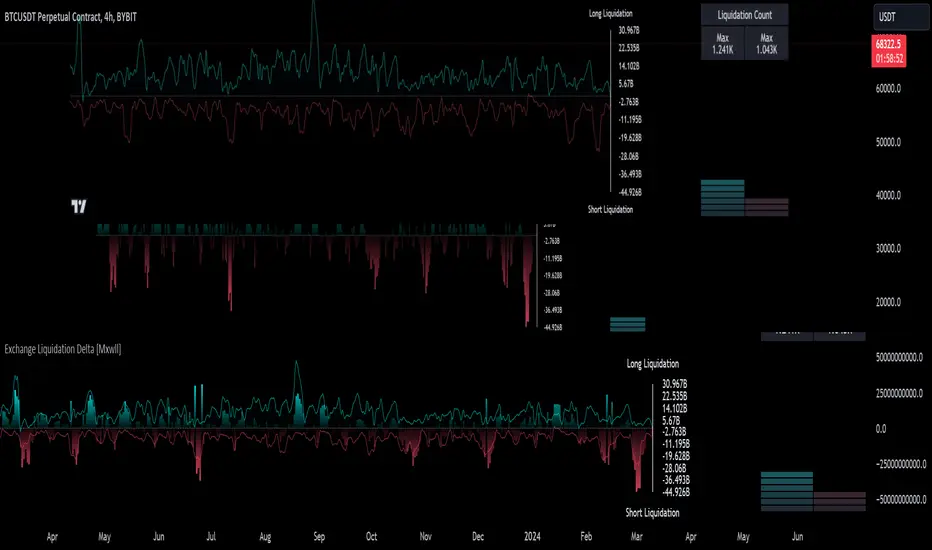
Liquidation Heatmap by RumiancevLiquidation Heatmap by Rumiancev
Overview
Liquidation Heatmap is an open-source visual map of estimated liquidation zones built from activity spikes .
When the script detects an unusually large spike, it projects liquidation levels for multiple leverage tiers and aggregates them into horizontal price “bins”. Each bin accumulates weight over time and is displayed as a color gradient:
• Brighter / hotter = higher accumulated weight
• Darker / colder = lower accumulated weight
Important: This is not an exchange liquidation feed and it does not display “real liquidation prices”. It is a proxy model designed to visualize where liquidation pressure could be clustering based on abnormal market activity.
Why BTCUSDT.P is recommended
For the most consistent and “liquidation-relevant” behavior, use a perpetual futures symbol such as BTCUSDT.P .
Perpetual markets provide Open Interest , so the script can use OI Delta (change in OI) as the spike stream. OI delta typically reflects leveraged positioning changes (build-up / flushes) more directly than spot volume.
• On perpetuals → OI data is available → spikes are usually cleaner for this model
• On spot → OI is not available → the script may fall back to volume, which can be noisier
If needed, set OI Symbol Override manually (examples are shown in the input tooltip).
How it works (logic)
1) Select a spike stream
• AUTO : uses OI Delta if available, otherwise Volume
• OI : forces OI Delta
• VOL : forces Volume only
2) Detect spike events
The script measures abnormal activity using a Z-score style approach on the absolute stream:
• Spike Lookback defines the baseline window
• Sensitivity maps to a threshold (lower = more events, higher = fewer events)
• Min bars between events optionally reduces clustering on lower timeframes
3) Project liquidation prices
For each spike event, liquidation estimates are calculated for up to three leverage tiers:
• Long liquidations are projected below the reference price
• Short liquidations are projected above the reference price
4) Bin, accumulate, and colorize
Projected levels are snapped into bins using Bin Scale (ticks) .
Bin weight is accumulated and displayed as a gradient between Low density and High density .
5) Freeze on touch
When price touches a bin (wick or close, depending on settings), the bin is frozen :
• it stops updating
• it becomes dotted / high transparency
This keeps a lightweight history of zones that have been interacted with.
How to read the map
• Bins below price often represent potential long-liquidation pressure zones
• Bins above price often represent potential short-liquidation pressure zones
• Brighter bins = more accumulated spike weight → potentially more crowded zone
• Frozen dotted bins = price already touched that zone (historical interaction)
Timeframes (recommendations)
This indicator runs on any timeframe, but density/noise changes significantly.
Best balance (recommended):
• 15m / 1H / 4H — good signal-to-noise and clean structure
Higher timeframes (cleaner, fewer zones):
• 12H / 1D — fewer events, more “macro” zones
Lower timeframes (noisier by nature):
• 1m / 3m / 5m — more spikes and more bins
To reduce clutter on low TF, consider:
• increasing Sensitivity (e.g., 14–18)
• enabling Min bars between events (e.g., 10–30)
• increasing Bin Scale (ticks) (thicker bins → fewer levels)
• enabling Keep only local range bins
Inputs (what each setting does)
Source
• Source Mode : AUTO / VOL / OI
• OI Symbol Override : manual OI source if AUTO is not suitable
Event (Spike) Filter
• Spike Lookback : baseline window for mean/stdev
• Sensitivity : lower = more events, higher = fewer events
• Use high/low for touch test : wick-based touches
• Min bars between events : reduces spike clustering
Liquidation Levels (bins)
• Reference Price : base price for projections (close/hl2/etc.)
• Leverage 1/2/3 : leverage tiers (set to 0 to disable any tier)
• Bin Scale (ticks) : bin thickness (bigger = fewer bins)
• Extend (bars) : how long active bins extend
• Max active bins per side : cap for active bins
• Dispersion (%) : splits part of the weight to the opposite side
• Keep only local range bins + Local range lookback : trims bins far from recent range
Visual
• Gradient colors, frozen transparency, legend, and debug marker
Limitations / Disclaimer
This script is provided for research and educational purposes only . It is not financial advice .
The plotted zones are estimates derived from a simplified model (spike detection + leverage projections). Results depend on symbol, exchange data availability (OI), and timeframe.
Indikator Pine Script®